

Three Dashboards. One Product. Zero Confusion.
Pulse came to us from NYC with a product challenge that makes designers lose sleep: three completely different user roles, each needing their own interface, all living inside one product.
The client-side dashboard. The admin-side dashboard. The superadmin module. Three levels of access, three sets of needs, three mental models — and if the design treats them as three separate products, you've failed. If the design treats them as one product, you've also failed, because a superadmin staring at client-level simplicity will feel patronized, and a client staring at superadmin-level complexity will feel lost.
This is the kind of design problem that doesn't have a "just make it clean" solution. It requires actual thinking about role-based information architecture, progressive disclosure, and how to make the same product feel tailored to three different people without building three different products.
Three Dashboards. One Product. Zero Confusion.
Pulse came to us from NYC with a product challenge that makes designers lose sleep: three completely different user roles, each needing their own interface, all living inside one product.
The client-side dashboard. The admin-side dashboard. The superadmin module. Three levels of access, three sets of needs, three mental models — and if the design treats them as three separate products, you've failed. If the design treats them as one product, you've also failed, because a superadmin staring at client-level simplicity will feel patronized, and a client staring at superadmin-level complexity will feel lost.
This is the kind of design problem that doesn't have a "just make it clean" solution. It requires actual thinking about role-based information architecture, progressive disclosure, and how to make the same product feel tailored to three different people without building three different products.
The Process: From Brand to Browser
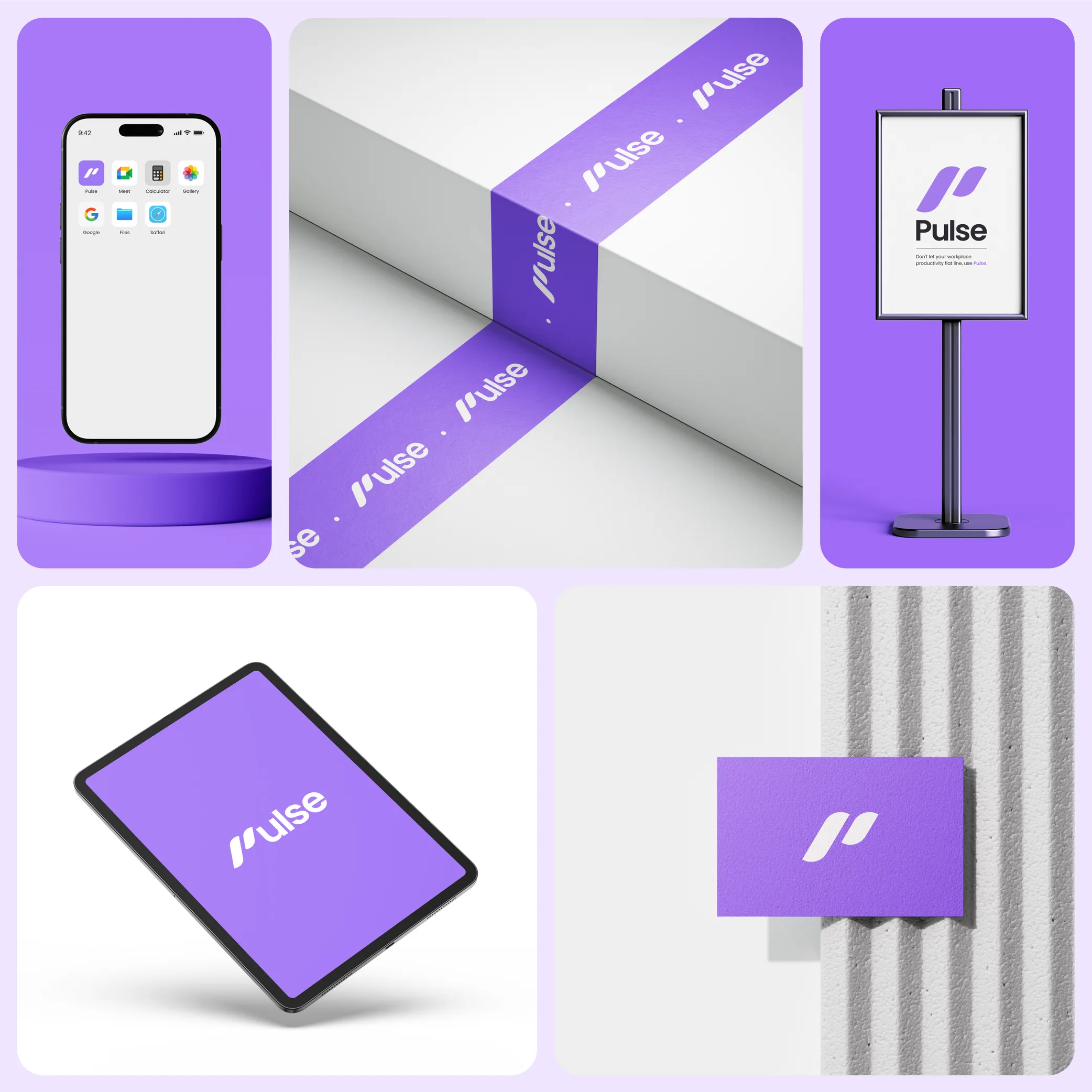
We started where we always start when the scope is this wide: the brand.
Not because logos are fun (they are), but because when you're building brand, web app, and website in one engagement, the brand system is the connective tissue. Every decision downstream — button styles, color hierarchy, type scale, component patterns — traces back to the brand. Get it wrong here, and you'll spend the rest of the project duct-taping inconsistencies.
The product design was where the heavy lifting happened. We designed a system where each role gets the depth they need without the noise they don't. The client module is focused and action-oriented. The admin module adds oversight and management tools. The superadmin layer exposes the full system with configuration controls.
The key wasn't just what we showed each role — it was what we didn't show. Every screen went through a filter: does this user need this information to do their job right now? If not, it doesn't belong on this screen. Not hidden behind a menu. Not collapsed under an accordion. Not there at all.
The signup flow got special attention. We designed the user signup process from scratch, mapping out the path from "I just landed on this page" to "I'm inside the product and know what to do." Most product teams bolt the signup flow on at the end. We treated it as its own design problem because the first three minutes of someone's experience determine whether they become a user or a bounced session.
The website told the story. Framer development made it real.

The Process: From Brand to Browser
We started where we always start when the scope is this wide: the brand.
Not because logos are fun (they are), but because when you're building brand, web app, and website in one engagement, the brand system is the connective tissue. Every decision downstream — button styles, color hierarchy, type scale, component patterns — traces back to the brand. Get it wrong here, and you'll spend the rest of the project duct-taping inconsistencies.
The product design was where the heavy lifting happened. We designed a system where each role gets the depth they need without the noise they don't. The client module is focused and action-oriented. The admin module adds oversight and management tools. The superadmin layer exposes the full system with configuration controls.
The key wasn't just what we showed each role — it was what we didn't show. Every screen went through a filter: does this user need this information to do their job right now? If not, it doesn't belong on this screen. Not hidden behind a menu. Not collapsed under an accordion. Not there at all.
The signup flow got special attention. We designed the user signup process from scratch, mapping out the path from "I just landed on this page" to "I'm inside the product and know what to do." Most product teams bolt the signup flow on at the end. We treated it as its own design problem because the first three minutes of someone's experience determine whether they become a user or a bounced session.
The website told the story. Framer development made it real.
Client’s feedback
Client’s feedback

WeRoast roasted our old UI and built us an intelligently thought out user sign up process and user interface that converts. Extremely high quality!

Ben Williams
Co-Founder of Pulse

WeRoast roasted our old UI and built us an intelligently thought out user sign up process and user interface that converts. Extremely high quality!

Ben Williams
Co-Founder of Pulse
Branding
Branding


Product
Product


Website
Website


Book a call or Fill the form
Calendar
Form
Calendar
Form

Have an idea in mind? Let’s talk.

Have an idea in mind?
Let’s talk.

Have an idea in mind?
Let’s talk.
Copyright 2026 © Weroast Design 2026. All Rights Reserved